
To tie an employee’s Badge ID to that employee in Time and Attendance, you need to add that Badge ID into the employee’s “Alternate Scanning ID” field.
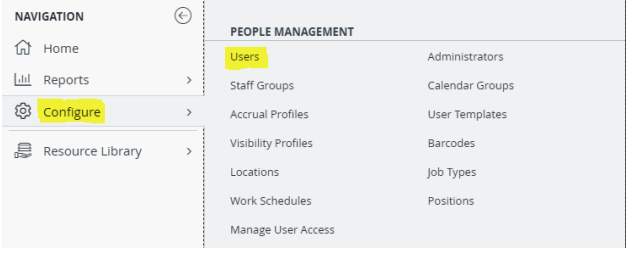
To do this, an administrator will need to sign into their Time and Attendance account, select “Configure” and then select “Users”
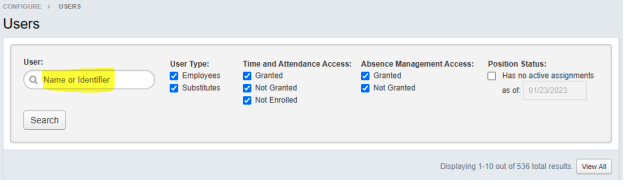
You would then type the User’s name or Identifier in the highlighted field
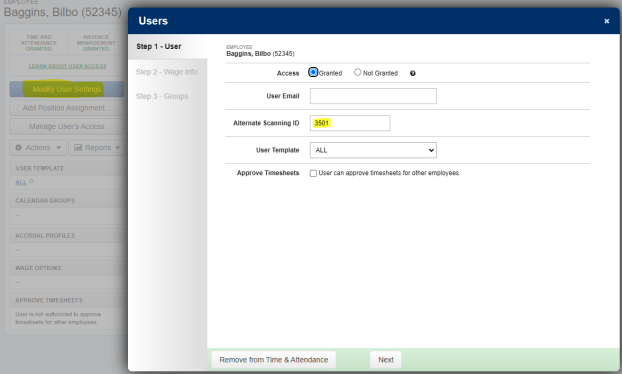
Once you are on that User’s page, select the blue button that says “Modify User Settings”. You can then enter that employee’s Badge ID into the “Alternate Scanning ID” field. After that, just navigate through the “Next” prompts at the bottom of the screen until you are able to select “Finish