Choose the options for "Configure Kiosk Mode" on the Windows desktop from the Touchpoint profile.
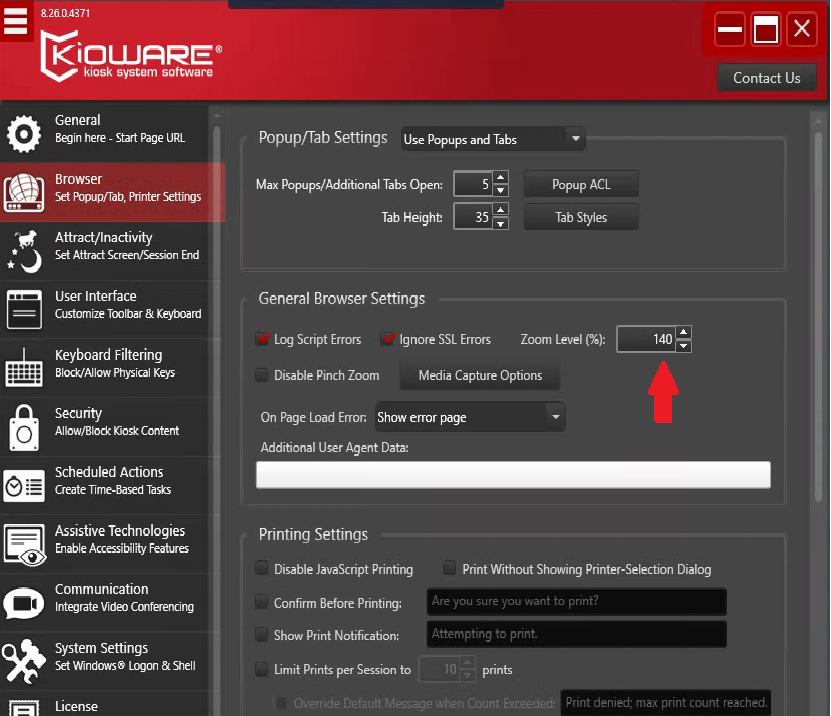
Choose the Browser option on the left side
Under General Browser Settings change Zoom Level (%)
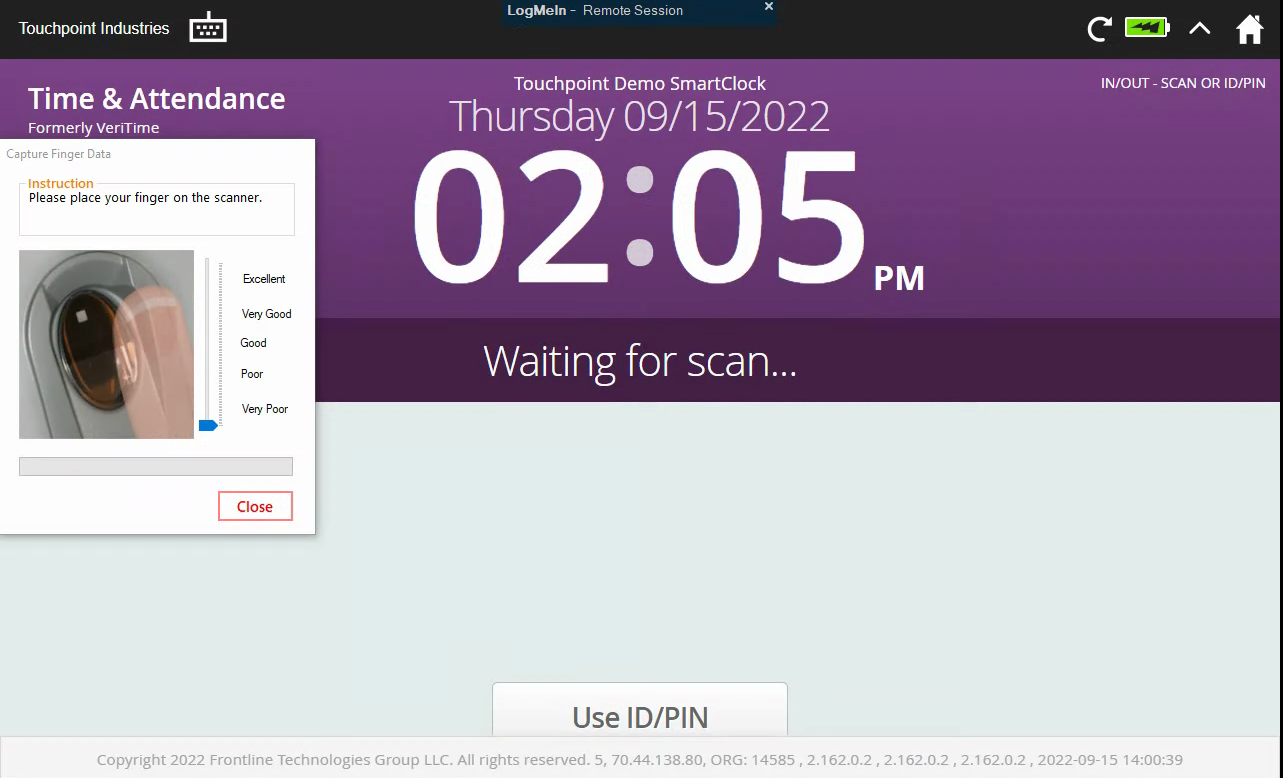
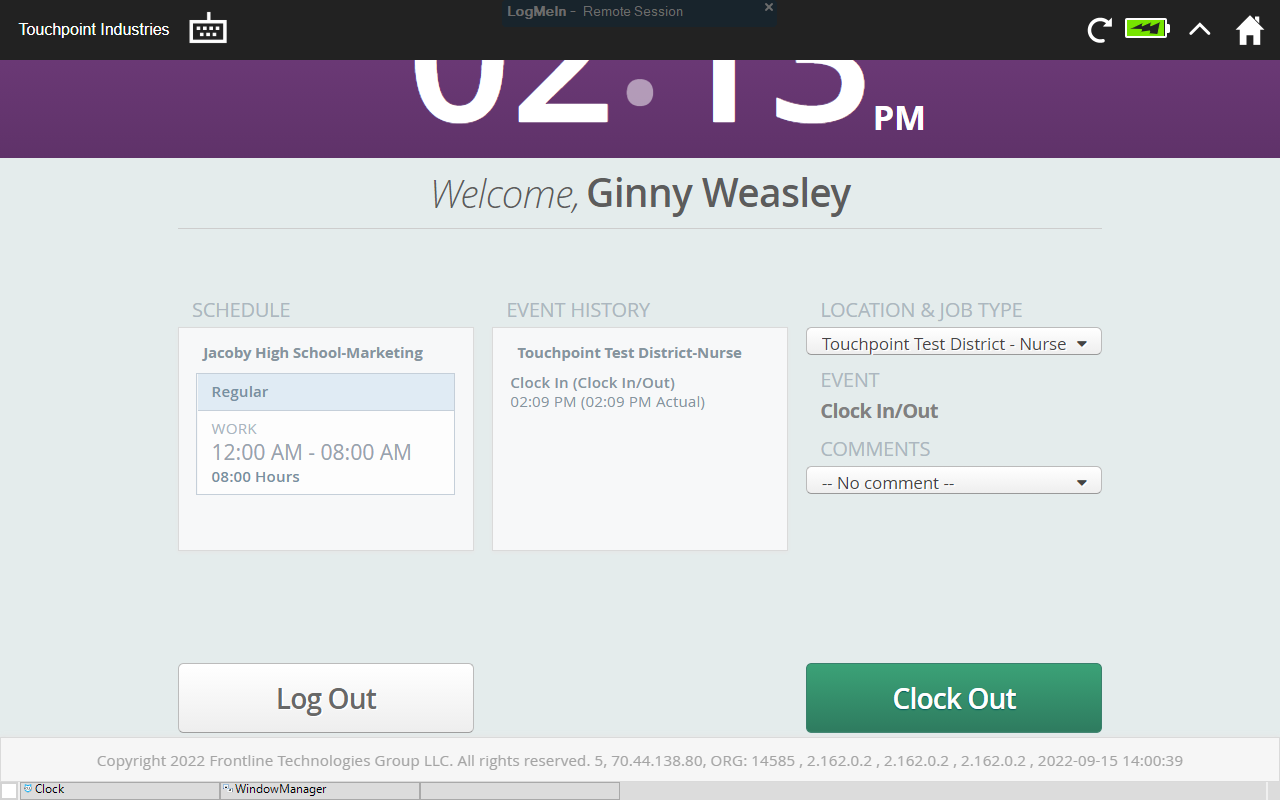
140% seems to work pretty well on most clocks but be sure to test it to be sure it scales properly and the kiosk screen looks appropriate.
Also for users that need to choose a Location & Job Type they may have to scroll down to get to the Clock Out button.